Tool Time — Wednesday, April 15, 2026
Curated by Warren Wiggins | Created by Cousin Claude
The Tool: Google NotebookLM — Your Free AI Research Partner
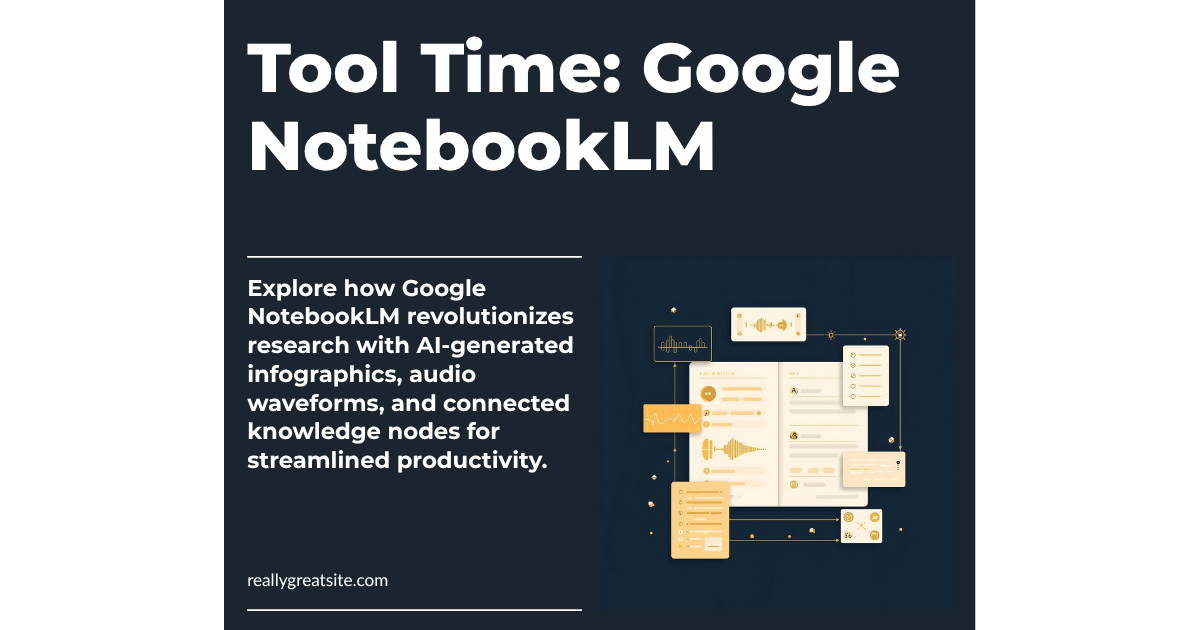
If you haven’t looked at Google NotebookLM lately, it’s time for a second look. NotebookLM is a free AI-powered research and knowledge management tool that lets you upload documents, websites, and files — then ask questions, generate summaries, create presentations, and even produce audio and video overviews from your own content. Think of it as having a research assistant who’s read everything you’ve given it and can instantly synthesize what matters.
Google just rolled out major updates in March 2026: Cinematic Video Overviews that turn your research into animated explainer videos, ten new infographic styles (including Professional, Editorial, and Instructional), improved flashcards and quizzes with saved progress, and slide revision tools. The free tier gives you up to 100 notebooks with 500,000 words per notebook — that’s a massive amount of content to work with.
Who It’s For
Nonprofits
Grant writers, this one’s for you. Upload your program data, past proposals, and funder guidelines into a notebook, then ask NotebookLM to help you draft narrative sections, identify themes across your work, or summarize outcomes data. It’s also powerful for board prep — upload your strategic plan, financials, and committee reports, then generate a briefing document or audio overview your board members can listen to before the meeting. And here’s the best part: NotebookLM is now included free in Google Workspace for Nonprofits for up to 2,000 users with enterprise-grade data protections.
Small Businesses
Upload your customer research, competitor analysis, or industry reports and let NotebookLM find the patterns you’re missing. Use the new infographic feature to create visual summaries for client presentations. The audio overview feature can turn a dense market report into a 10-minute podcast-style briefing you can listen to during your commute.
Schools
Teachers can upload curriculum standards, lesson plans, and student resources to create study guides, flashcards, and quizzes — all grounded in their actual teaching materials. Administrators can use it for policy research, accreditation prep, or synthesizing parent survey data. NotebookLM is now available as a core service for Google Workspace for Education, so your school may already have access.
How To Get Started
- Go to notebooklm.google.com and sign in with your Google account (personal, Workspace, or Education).
- Create a new notebook. Give it a clear name — “Q3 Grant Research,” “Board Meeting April,” or “Competitor Analysis 2026.”
- Add your sources. Upload PDFs, paste website URLs, connect Google Docs or Slides, or paste text directly. You can add up to 50 sources per notebook.
- Start asking questions. Type natural-language questions in the chat: “What are the key themes across these grant reports?” or “Summarize the budget implications in this policy document.”
- Generate an Audio Overview. Click the “Audio Overview” button to create a podcast-style conversation between two AI hosts who discuss your content. Great for absorbing material during a commute or walk.
- Try the new visual tools. Use the “Generate” menu to create infographics, slides, or study materials from your sources. Choose from styles like Professional, Editorial, or Instructional.
- Create study tools. Generate flashcards or quizzes from your content — useful for staff training, onboarding materials, or student review.
- Share and collaborate. Notebooks can be shared with teammates (on Workspace plans), so your whole team can query the same knowledge base.
Cousin’s Take
NotebookLM is one of the most underrated free tools available to mission-driven organizations right now. It’s not trying to replace your expertise — it’s trying to make your expertise more accessible and actionable. The fact that it works only with content you provide (rather than pulling from the open internet) means the answers are grounded in your actual data, not hallucinated from somewhere else.
The recent updates make it significantly more useful. Cinematic Video Overviews are genuinely impressive for turning complex research into shareable content. The infographic styles save real time if you need to visualize information for stakeholders. And the enterprise-grade privacy protections mean you can upload sensitive organizational data without worrying about it being used to train AI models.
The catch? It’s still a Google product, so it works best within the Google ecosystem. If your organization lives in Microsoft 365, the integration won’t be as smooth. And while the free tier is generous, power users who need more than 100 notebooks will need NotebookLM Plus. But for most organizations, the free tier is more than enough to get serious value.
Bottom line: If you have a Google account, you should have a NotebookLM notebook. Start with one project this week and see what happens.
Until Friday…
That’s your Tool Time for the week. NotebookLM won’t do the work for you, but it will make your work smarter. Try it with your next grant proposal, board meeting, or research project — and let me know how it goes.
Want a practical framework for evaluating AI tools for your organization? Download “The Mission-Driven Org AI Audit” — a free guide to assessment, implementation, and measuring impact.
Cousin’s AI Circulation — Published 3x/week (Monday, Wednesday, Friday)
Curated by Warren Wiggins | Created by Cousin Claude
Astute Intelligence: Do More of What Matters.